Product search
Search by product name or UPC.
Learn how to search from supplier and Walmart product context without manually retyping values.
 Profit Wizard Pro
Install free
Profit Wizard Pro
Install free
Use these focused walkthroughs to get Profit Wizard Pro connected to the workflows sellers use most often.
Learn how to search from supplier and Walmart product context without manually retyping values.
Use the extension feedback flow to report issues or suggest improvements from the product itself.
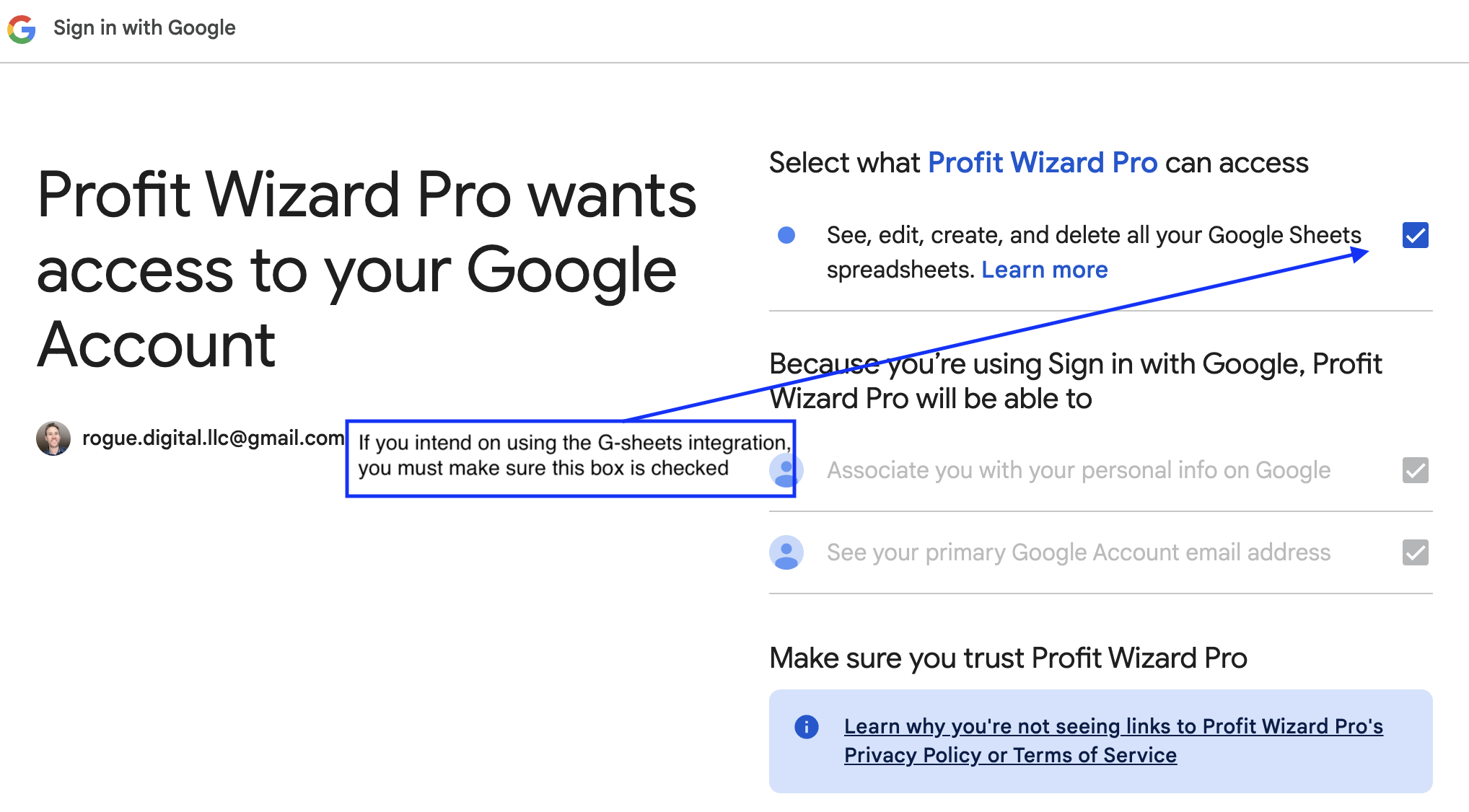
Visit a Google Sheet in your browser, then use the extension connect button to authorize exports.
If Google Sheets integration stops working, log out, re-authorize, and confirm the spreadsheet permission is checked.
Send a message with the workflow you are stuck on and the team will review it.